How Can I Add a New List on TENKme?
For Android  and iOS
1. Tap  in the top Menu.
2. Tap  Lists.
3. Tap  New List.
4. Type in the List name.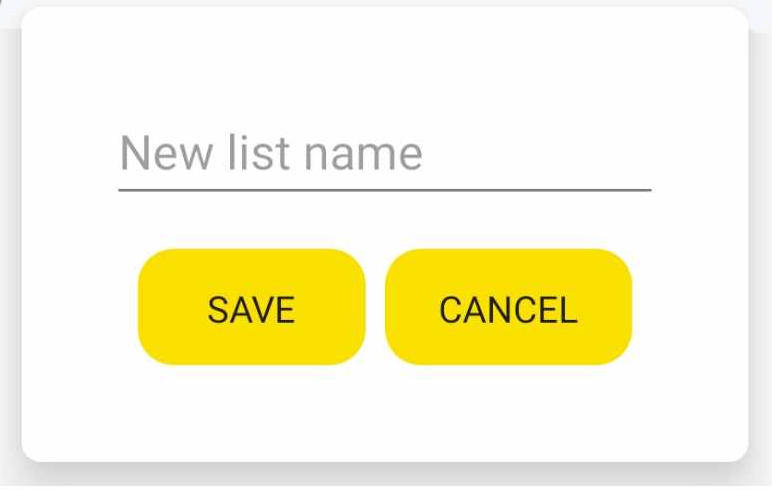
5. Then click Save
For Web 
1. Tap menu in the top right.
2. Tap Lists.
3. Tap New List.
4. Type in the List name. 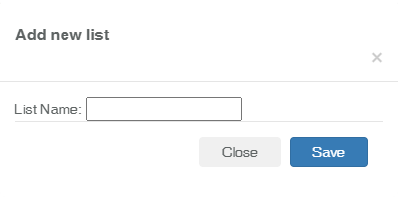
5. Then click Save